


The Chosen
4.65.33K Reviews
App Specs
- Version
- 4.2.1
- Updated On
- License
- Free
- Downloads
- 10,000,000+
- Developer
- Come And See
- Categories
- Entertainment
- Platform
- Android, iOS
Screenshots
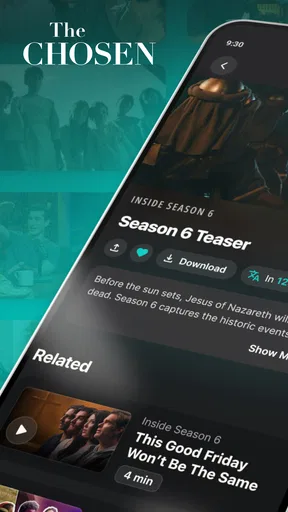

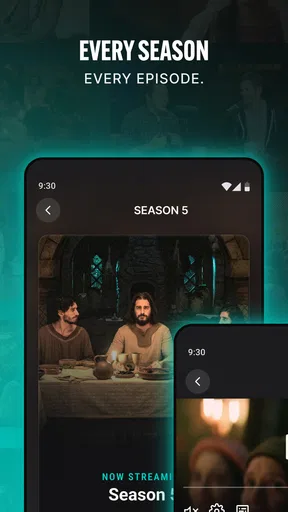
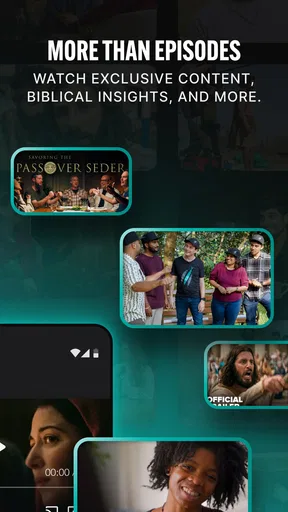
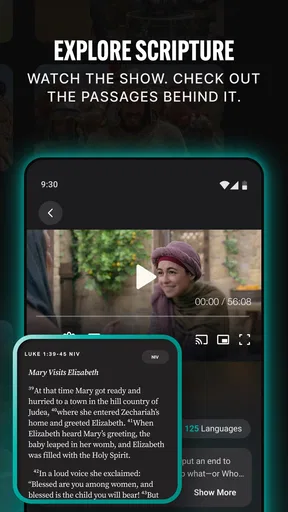
 Analysis by AppCompare
I came to The Chosen with a simple need: I wanted a straightforward way to watch the series without jumping between unrelated entertainment apps. The app is built around that single purpose, and that focus is its biggest advantage. Instead of making the show one title among thousands, it puts the viewing experience first, from opening the app to choosing an episode and settling in.
My overall impression is positive, especially for viewers who already want to watch this particular series. It is a free entertainment app from Come And See, rated for Everyone, and it runs on Android devices using version 6.0 or later. The current release is 4.2.1, so it is accessible on a wide range of phones and tablets rather than being limited to recent hardware.
That simplicity also defines its limits. This is not a general streaming replacement, and I would not install it expecting a broad catalog, sophisticated discovery tools, or the variety offered by a major subscription service. I see it as a focused doorway into The Chosen: useful when that is exactly what I want, less useful when I am looking for a complete evening of unrelated viewing.
From deciding to watch to actually finishing an episode
When I decide to watch, the useful question is not only how quickly I can reach an episode, but whether the app remains comfortable once viewing becomes a regular habit. I’ll look at the moments that put more pressure on the experience, then consider what device limits and everyday setup choices matter before settling on a performance verdict.
The starting point: a specific viewing need
The best way to understand this app is to begin before opening it. Imagine I have finished work, I want to watch an episode of The Chosen, and I do not want to search through several services to remember where it is available. With a normal streaming platform, the first step may involve opening an account area, searching the catalog, checking availability, and navigating through recommendations. Here, the destination is much clearer.
That clarity matters for families and small groups as well. If someone recommends a particular episode, the app gives the viewer a dedicated place to start rather than asking them to identify which service currently carries it. A person who is new to the series can also approach it without the distraction of unrelated recommendations competing for attention.
I particularly like this focused design for shared viewing. If I am handing a phone or tablet to another person, I do not need to explain a complicated catalog. The app’s identity is immediately understandable: it exists to help people watch The Chosen. That makes the first handoff from one viewer to another less awkward than it can be inside a large streaming application.
Worth Reading Before You Choose

EA SPORTS FC Mobile 26 Is a Bigger Football Game, but It Takes Time

Flipboard Shows What News Apps Must Do Beyond the Feed

Switching to Android Auto Means Rethinking Your Driving Routine

Google Calendar Makes a Crowded Week Easier to Manage

Ludo King Makes the Most of the Minutes Between Plans

Baby Panda World Brings Quick Play to Modern Phones, but Its Game Library Feels Busy
The first steps and the viewing flow
Once I open The Chosen, the practical workflow is refreshingly direct. I look for the episode I want, begin playback, and use the device as the viewing screen. The central benefit is not a clever feature hidden behind menus; it is the reduction of unnecessary decisions. The app does not make me browse through a crowded entertainment universe before reaching the program I opened it to watch.
That approach is especially helpful when I already know what I want. If I am continuing a series, the app functions more like a dedicated television shelf than a general-purpose video store. I can move from intention to viewing with less mental overhead, which is valuable when I am watching during a short break or preparing a group session.
For a first-time viewer, I would still take a moment to choose a sensible starting point rather than opening an episode at random. The dedicated format makes the series easier to approach, but it does not replace personal judgment about whether the subject and tone suit the viewer. The Everyone content rating makes the app broadly approachable, yet parents and guardians should still consider the themes of the program in the context of the child watching.
One useful habit is to decide the viewing order before passing the device around. In a group setting, this avoids the common pause where everybody debates what to select. I can open the intended episode first, check that playback is ready, and then hand over the screen. That small preparation turns the app from a personal viewer into a practical tool for shared watching.
What happens when the phone is only the first screen
The phone is the obvious starting point, but it is not always the best final screen. In my experience, a dedicated mobile app is most comfortable for individual viewing, headphones, or a quick episode while traveling around the home. For a family gathering, I would rather move the viewing experience to a larger display when my setup supports that through the device environment.
This is where expectations need to stay realistic. The app’s value is centered on access to the show, not on replacing every living-room arrangement. If my priority is a polished home-theater interface, extensive device management, or a broad collection of programs beside this series, a mainstream streaming service may fit better. The dedicated app wins when reducing the path to this one program matters more than having every possible convenience.
A second practical tip is to treat the handset as part of the handoff plan. Before starting a group session, I would check the battery, place the device where the screen can be seen, and avoid juggling the phone between viewers. None of this is glamorous, but it addresses the real friction of app-based shared viewing: the experience can be simple in software and still awkward if the physical setup is improvised.
Handoffs between viewers, rooms, and routines
The most interesting part of this app is how it handles the handoff from one viewing situation to another. I might begin an episode alone on a phone, then decide to continue with family. Another day, I may watch with a friend who has never used the app. The dedicated purpose makes the explanation easy, because I only need to identify the show and the episode rather than teach someone an entire streaming service.
That simplicity is also useful for less technical viewers. Someone who feels overwhelmed by large entertainment platforms may be more comfortable with an app that does not ask them to compare dozens of categories. If I were helping a relative get started, I would describe it as a focused viewing app, then show them how to reach the episode they want. The shorter explanation is a genuine advantage.
There is a trade-off, though. A handoff works best when everyone agrees that The Chosen is the intended program. If one person wants a documentary, a comedy, or a different series afterward, this app stops being the shared destination. The conversation then moves back to another service. That makes it a strong specialist tool, not a universal family entertainment hub.
I also would not assume that the app alone solves every continuity problem between devices. If I begin on one screen and want to resume on another, I would first check what the current interface offers rather than planning an elaborate multi-device routine. The safest workflow is to choose one primary screen for the session and keep the handoff simple. That avoids building expectations around convenience features that may not be central to the app.
The result: a focused way to reach the series
When the workflow goes well, the result is exactly what I want: less time spent searching and more time watching. The app removes the catalog noise that surrounds a series on a general streaming platform. That is particularly valuable for viewers who have already decided on the program and do not need recommendations to discover something else.
The scale of adoption supports that impression. The app has passed ten million installs, with an average rating of 4.6 from roughly fifty-four thousand ratings. Those figures do not guarantee that every device or viewing situation will feel perfect, but they do show that the focused approach has reached a large audience and earned a generally strong response.
Its free price changes the decision considerably. I can try it without treating the installation as a financial commitment, which makes it easier to recommend to someone who is curious about the series. Free access is also useful for group viewing: one person can prepare the session without asking everyone else to subscribe to a service first.
Still, “free” does not mean “best for every household.” If I already pay for a streaming platform that includes the show and offers a better television interface for my equipment, switching apps may create more friction than it removes. The dedicated option is most compelling when direct access and a low barrier matter more than having every viewing feature in one place.
Where the workflow breaks down
The main weakness is the same quality that makes the app appealing: its narrow focus. I cannot use it as my general entertainment planner. Once the episode ends, I may need another app for the next program, and that extra transition can interrupt the relaxed feeling of a single-service evening.
Discovery can also be a mixed experience depending on what I want. If I know I want The Chosen, focus is helpful. If I am undecided and want an app to surprise me with different genres, actors, or formats, a large streaming catalog is more suitable. This app is not the place I would go for broad browsing; it is the place I would go after making a specific choice.
Another point of friction is the difference between personal and communal use. On a phone, the experience is convenient for one viewer. With several people, screen size, sound, battery, and physical placement become important. The software may get me to the episode quickly, but the room still determines whether everyone can watch comfortably.
I would also be cautious about treating the Everyone rating as a complete guide for every family. It indicates broad age suitability for the app, but individual viewers can respond differently to dramatic or religious subject matter. Before introducing it to younger children or a mixed-age group, I would make sure the content matches the expectations of the people watching.
Who will get the most from it?
I recommend this app most strongly to people who already intend to watch The Chosen and want a direct, free route to the series. It is a good fit for a viewer who dislikes searching across multiple entertainment platforms, a family that wants a simple shared starting point, or someone introducing the show to a friend who does not want another complicated service to learn.
It is also a sensible choice for occasional viewers. Because the app is focused, I do not need to commit to exploring a huge catalog. I can open it when I want this particular series, watch, and leave. That makes the installation worthwhile even if it is not used every day.
The app is less suitable for viewers who want one application to manage all their television habits. If my priority is a broad library, powerful recommendations, or a seamless transition from one unrelated title to another, I would choose a general streaming alternative. The same is true if most of my viewing happens on a television setup where another service already provides a smoother interface.
My practical recommendation is to decide based on the starting condition rather than the app’s popularity. If the question is “Where can I watch The Chosen without paying for another service?” this is an easy app to try. If the question is “Which app should organize all of my entertainment?” the answer is probably elsewhere.
Small habits that make the experience smoother
I found three habits especially useful. First, I choose the episode before beginning a shared session, so the group does not spend its first few minutes navigating. Second, I use the phone for personal viewing and plan the larger-screen arrangement separately when several people are involved. Third, I keep a general streaming app available for whatever comes after the episode, because this dedicated app is not designed to carry the whole evening.
A fourth habit is to keep expectations aligned with the app’s purpose. I do not judge it by the standards of a massive catalog, just as I would not judge a general streaming platform by how quickly it reaches one specific series. The right comparison is the complete journey: deciding to watch, locating the episode, handing the screen to another person, and finishing without unnecessary searching.
That journey is where the app earns its place. It turns a known viewing intention into a simple action, and it does so without a purchase barrier. The friction appears afterward, when I want unrelated content, a more elaborate living-room setup, or a broader discovery experience. Knowing that boundary makes the choice much easier.
My final recommendation
Come And See has made a focused entertainment app rather than another crowded streaming catalog. In my use, that focus feels purposeful: it helps me get from “I want to watch this series” to the actual episode with very little distraction. The free access, Everyone rating, and support for Android 6.0 and later make it approachable for a wide range of viewers.
I would install it for anyone specifically looking for The Chosen, especially if they want a simple option for personal or family viewing. I would not present it as a replacement for every streaming service, because its narrow scope becomes obvious as soon as the viewing plan changes. Choose it for direct access to the series, not for a complete entertainment ecosystem.
That distinction is the honest conclusion. The app does not need to do everything to be useful. When my starting condition is clear, the handoffs are uncomplicated, and the desired outcome is watching this one show, it does its job well. When I need variety, advanced home viewing control, or a single place for all my media, a broader alternative will be the better companion.
Pros
- Faith-focused storytelling with strong emotional and spiritual themes.
- High-quality cinematography gives the series a polished
- cinematic feel.
- Episodes provide helpful historical and biblical context.
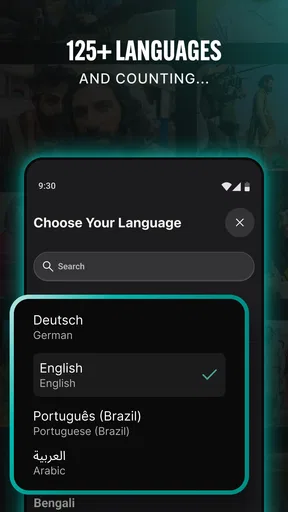
- Supports multiple languages and subtitle options for wider accessibility.
- Free viewing option makes much of the content easy to access.
Cons
- Some features and content may require an account or optional payment.
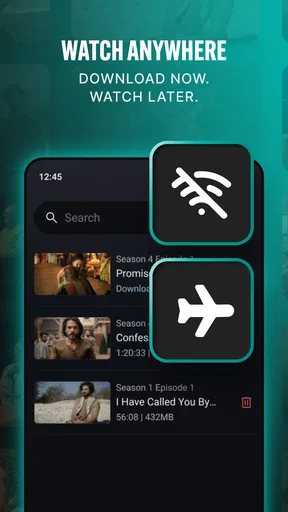
- The app can use considerable storage when downloading episodes offline.
- Streaming quality depends heavily on your internet connection.
- Religious themes may not appeal to viewers seeking secular entertainment.
- Episode availability and features can vary by region or device.
FAQs for The Chosen
What is The Chosen app?
The Chosen app is the official streaming platform for watching episodes of the television series The Chosen, a historical drama about the life and ministry of Jesus and the people around him. It provides access to available seasons, bonus content, episode information, and related media. The app is designed for viewers who want to watch the series on a mobile device or compatible television.
Is The Chosen app free to download and use?
Yes, the app can generally be downloaded free of charge on supported Android and iOS devices. The series is primarily offered for free viewing, although availability, optional contributions, special content, or platform-specific features may vary over time. Users should review the current information shown in the app store and inside the application before assuming that every feature or video is available without restrictions.
Do I need to create an account to watch The Chosen?
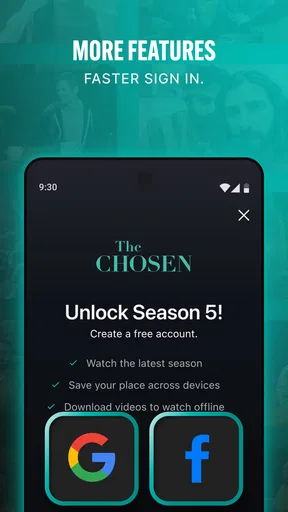
An account may not always be required to begin watching available episodes, but registering can provide a more convenient experience. Depending on the current version of the app, signing in may allow you to save progress, continue watching across devices, receive updates, or access additional features. The exact requirements can change, so the app will indicate when an account or email verification is necessary.
Can I watch The Chosen offline?
Offline viewing depends on the features supported by the current app version, your region, and the specific content. Some streaming applications offer downloads for temporary offline playback, while others require an active internet connection. If offline access is important to you, check the episode menu and the app’s download settings after installation. Also remember that downloaded videos may expire or require periodic online verification.
What devices are compatible with The Chosen app?
The Chosen app is intended for supported Android phones and tablets, as well as iPhone and iPad devices running compatible operating system versions. It may also support casting or viewing on selected smart televisions and streaming platforms, depending on availability in your country. Before downloading, check the official Google Play or App Store listing for the latest compatibility requirements, storage needs, and regional limitations.


